

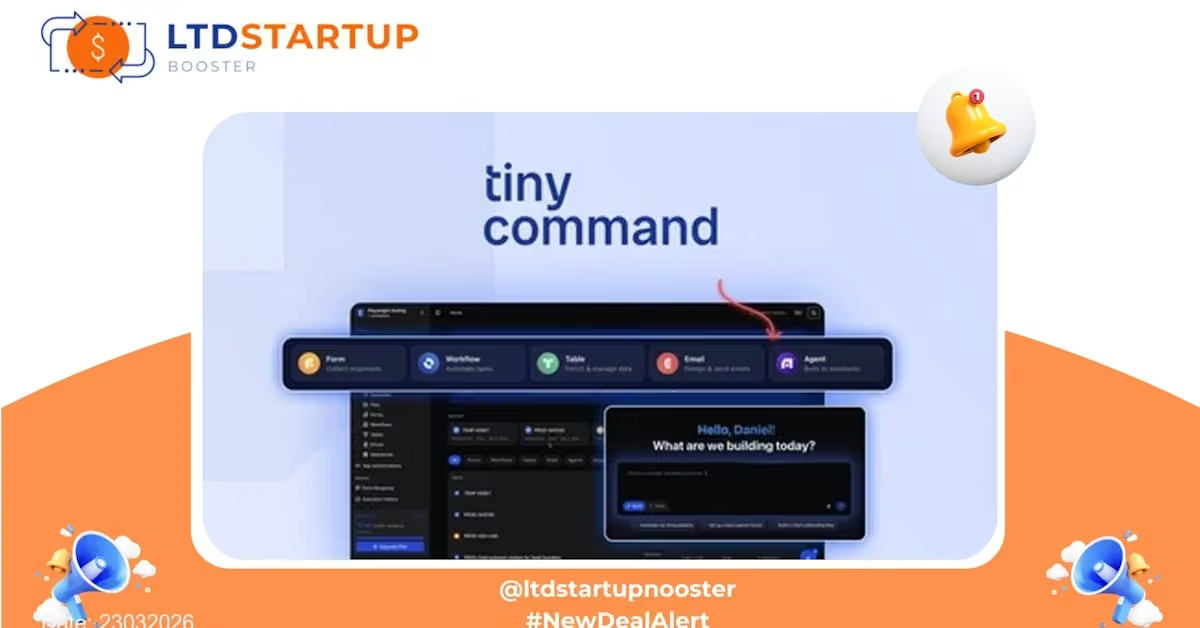
TinyCommand — Fast, AI-Driven Command Palette for Business Workflows (LTD)
Introduction
TinyCommand is a lightweight, AI-augmented command-palette designed to let teams and individuals create, run, and share smart commands that automate repetitive text and workflow tasks. This lifetime deal gives you permanent access to TinyCommand’s core features without recurring subscription fees — ideal for busy teams looking to scale productivity affordably.
Key Features of the Lifetime Deal
Create commands using natural language or templates. TinyCommand converts simple instructions into reusable commands that generate emails, summaries, prompts, or formatted outputs — saving time on repetitive writing and data prep.
Commands can include variables and interactive prompts so you can reuse the same command across contexts (e.g., add a client name, choose tone, or set a deadline) without rebuilding logic.
Plug TinyCommand into common business tools (text editors, chat tools, and spreadsheets) via simple connectors and browser extensions to run commands where you work.
Build a centralized command library for your team. Share best-practice templates, standard replies, or onboarding sequences so everyone uses consistent, time-saving workflows.
Get started quickly with pre-built command templates for sales outreach, customer support replies, content outlines, and reporting. Customize and save your own templates for repeatable use.
Invoke TinyCommand instantly with system-wide shortcuts or a command palette to avoid context switching — ideal for power users and knowledge workers.
Export command definitions or use TinyCommand’s API to integrate commands into existing automation pipelines or apps for deeper workflow automation.
Practical Use Cases
- Sales Teams: Generate personalized outreach emails with placeholders for name, company, and product, then export as CSV for bulk outreach.
- Customer Support: Quickly assemble support replies with adjustable tone and canned responses to improve consistency and response time.
- Content & Marketing: Create article outlines, social media captions, and meta descriptions from a short brief in seconds.
- Operations & Admin: Auto-generate meeting agendas, follow-up notes, and formatted reports from raw notes or highlights.
- Developers & Product Teams: Use commands to build release notes, changelogs, or generate standardized bug reports from short inputs.
How TinyCommand Compares to Other Tools
TinyCommand sits between simple text expansion tools and full automation platforms. Compared with utility-focused command launchers (like Raycast and Alfred), TinyCommand emphasizes reusable, parameterized commands with AI content generation. Compared with workflow automation platforms (like Zapier or Make), TinyCommand focuses on in-context text and command automation rather than complex multi-step application orchestrations.
Unique aspects that make TinyCommand stand out:
- AI-first command creation: Build powerful commands with plain language instead of manual scripting.
- Parameterized templates: Easy reuse and customization with input prompts and variables.
- Team-ready libraries: Collaborative sharing and versioned templates for consistent results across teams.
- Lightweight integrations: Quick on-ramps to use commands where you already work, without full automation setup.
- Cost-effective lifetime access: One-time investment gives long-term access to the product’s core capabilities, lowering ongoing overhead for teams.
Security & Compliance
TinyCommand is built with business use in mind. Key security and privacy measures included in the lifetime deal:
- Data transmission uses TLS encryption; stored data is protected with industry-standard encryption at rest.
- Role-based access controls and team-level permissions let administrators manage who can run, edit, or publish commands.
- Audit logs and version history provide traceability for changes to shared templates and commands.
- Privacy-conscious data handling and options to manage or delete stored content to help support GDPR and other privacy requirements.
For regulated industries, verify required controls and consider enterprise policies for sensitive data before connecting to external services. TinyCommand’s team is approachable for enterprise questions and additional assurances.
Deal Is Closing Soon — Act Now
Published: 23032026 — This lifetime offer is limited and will close when sold out. If your team wants a low-cost way to standardize replies, speed content creation, and put AI-powered commands into everyday work, this is a timely opportunity to lock in access without ongoing fees.
Don’t wait — lifetime allocations are finite and the deal may be taken off the table once capacity is reached. Secure the deal, try the product, and start building shared command libraries for your team today.
| License Tier 1 $79 Lifetime access | License Tier 2 $199 Lifetime access | Recommended License Tier 3 $349 Lifetime access | License Tier 4 $749 Lifetime access | |
|---|---|---|---|---|
| Monthly credits | 15,000 | 100,000 | 350,000 | 750,000 |
| Seats | 10 | 20 | 40 | Unlimited |
| Workspaces per project | 5 | 15 | Unlimited | Unlimited |
| Execution history | 15 | 15 | 30 | 60 |
| Form submissions | Unlimited | Unlimited | Unlimited | Unlimited |
| Max file size | 5 MB | 10 MB | 15 MB | 25 MB |
| Includes all Tiny products | ||||
| Location capture | ||||
| Operations usage flexibility | ||||
| Remove branding from forms | ||||
| 50+ common integrations | ||||
| Custom integration requests | ||||
| Payment gateway integrations | ||||
| Email builder | ||||
| No-code workflow builder | ||||
| Parallel workflow execution | ||||
| Real-time execution monitoring | ||||
| Custom variables | ||||
| Workflow inputs | ||||
| Folder/file permissions |