

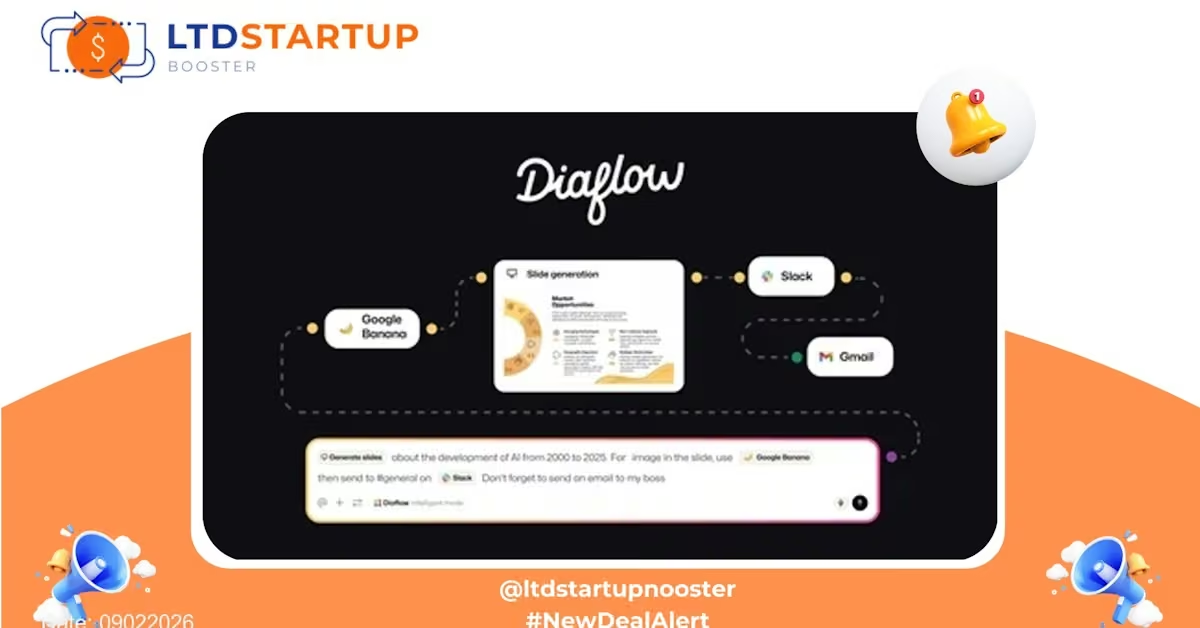
Diaflow — AI-Powered Conversations & Workflow Automation (Lifetime Deal)
Introduction
If you’re looking to automate customer interactions, qualify leads, and connect conversational workflows to the rest of your stack, Diaflow is a tool worth evaluating. This lifetime deal gives long-term access to Diaflow’s core functionality — an AI-driven conversation engine paired with workflow automation and integrations — at a one-time price. It’s positioned to help small teams and founders reduce repetitive tasks and accelerate lead handling without a monthly subscription. See the full offer and limits on the deal page before purchasing.
Key Features — What Diaflow Brings to Your Stack
- AI Conversation Builder: Build chat and voice flows using an intuitive editor. Create multi-step conversations with conditionals, variables, and fallback logic so the assistant can handle common inquiries and escalate complex requests to a human.
- Smart Lead Qualification: Route and score incoming leads automatically. Diaflow can ask qualifying questions, apply scoring rules, and tag prospects for follow-up — saving sales teams time and surfacing higher-quality leads faster.
- Workflow Automation: Trigger automations from conversations — add contacts to lists, send personalized emails, create CRM records, or push events to other tools. Think of it as turning chat sessions into defined business processes.
- Prebuilt Integrations: Connect to popular CRMs, email tools, and messaging platforms to keep data synchronized. Integrations reduce manual data entry and make handoffs seamless between tools.
- Knowledge Base & Contextual Responses: Attach documents or a knowledge base so the AI can pull contextual answers from your content. This helps maintain consistent, accurate replies across chat sessions.
- Analytics & Reporting: Track conversation completion rates, lead conversion from chat, response times, and automation outcomes. Use data to refine flows and optimize performance.
- Templates & Starter Flows: Kickstart common scenarios with templates for support triage, lead capture, booking workflows, and FAQ automation to reduce setup time.
Use Cases — How Businesses Can Put Diaflow to Work
- Sales & Lead Capture: Use Diaflow on your website to pre-qualify inbound leads, automatically create CRM records, and alert sales reps when high-intent prospects arrive — reducing missed opportunities and speeding time-to-contact.
- Customer Support Triage: Automate initial troubleshooting and categorize requests so human agents handle only what requires human intervention. This lowers response times and frees support teams for higher-value interactions.
- Appointment Booking: Replace booking back-and-forth by letting the conversational flow check availability, schedule meetings, and send calendar invites while syncing to your scheduling tool.
- Product Onboarding: Deliver contextual onboarding via chat flows that guide new customers through setup steps, collect usage data, and trigger follow-ups if customers get stuck.
- Content & Knowledge Delivery: Surface relevant articles, documentation, or policies on demand — useful for HR portals, help centers, and internal tools where quick access to verified information matters.
Comparison — Where Diaflow Stands Out
There are many tools in the automation and conversational space. Here’s how Diaflow differentiates itself against some well-known competitors:
| Capability | Diaflow | Typical Alternatives (examples) |
|---|---|---|
| Conversational AI + Workflow | Designed to combine natural conversation flows with direct automation triggers (one tool for both). | Some alternatives focus either on chat or on integrations/automation; stitching both can require multiple tools. |
| Ease of Use | Visual editor with templates to speed up setup for non-technical users. | Competitors vary — tools with powerful builders can be more technical, while no-code platforms may lack advanced conversational features. |
| Integration Breadth | Prebuilt connectors for common CRMs and email/scheduling tools plus webhook support. | Major automation platforms tend to have wider marketplaces; however, Diaflow focuses on the most business-critical integrations for lead & support workflows. |
| Pricing Model | One-time lifetime access via this limited offer (check the deal page for exact quotas and limits). | Most enterprise automation/chat tools use subscription pricing and per-seat/usage fees. |
| Best For | Small teams and founders who want AI-driven conversations plus automations without ongoing monthly costs. | Larger organizations with complex enterprise needs may prefer fully managed or extensive marketplace ecosystems. |
Pricing
| Plan | Price | Automation Credits/Month | Users | Automations | Apps/Tools |
|---|---|---|---|---|---|
| Tier 1 | $79 | 5,000 | 1 | 2 | 2 |
Security and Compliance
Security and data privacy are essential when handling customer conversations and lead information. Diaflow implements industry-standard protections, including TLS encryption for data in transit and mechanisms for secure data storage. The platform provides access controls, role-based permissions, and options to export or purge data so teams can manage retention and portability.
For regulatory concerns (GDPR, data residency, or sector-specific compliance), Diaflow publishes privacy and data handling details on its product pages and documentation. If your business has strict compliance obligations, review the vendor’s security docs and reach out to their team to confirm fit for purpose before onboarding.
Deal Is Closing Soon — Act Fast
This lifetime deal was published on 09022026. Limited-quantity lifetime offers like this often sell out fast. If you want to lock in one-time access to Diaflow’s conversational automation features, now is the time to check the page and confirm the exact limits (credits, seats, or integration allowances) before it closes or sells out.