

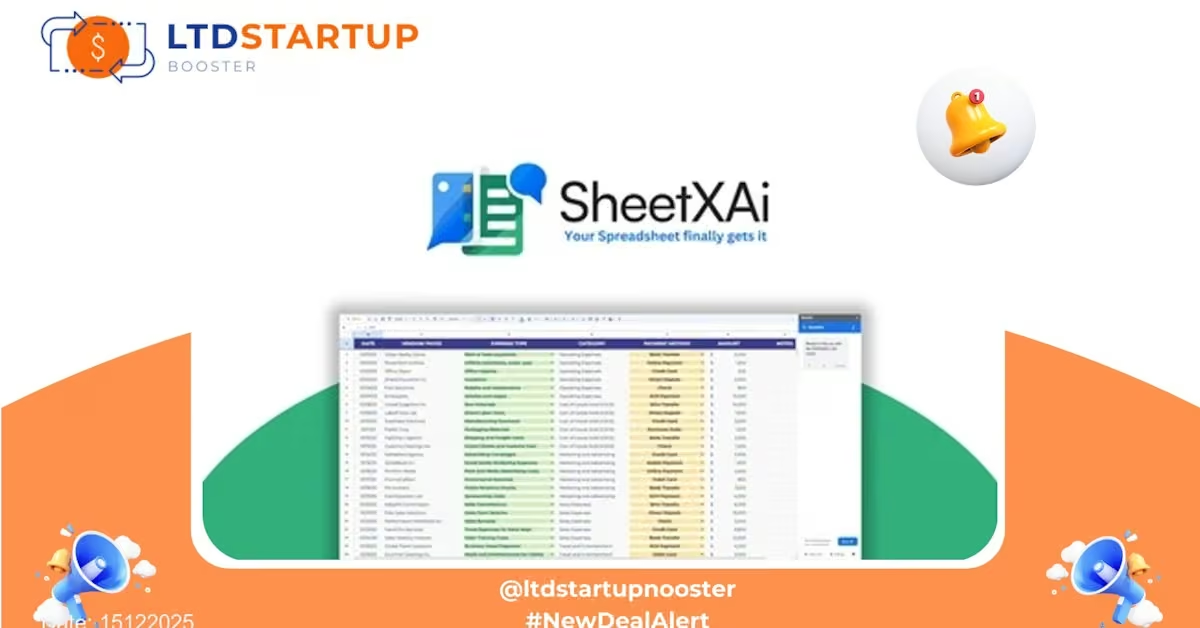
SheetXAI — Turn Spreadsheets into Smart, Automated Workflows (Lifetime Deal)
SheetXAI brings AI directly into your spreadsheets to automate formula creation, clean and analyze data, and generate actionable insights — without needing to write complex code. This lifetime deal gives business users and teams one-time access to powerful spreadsheet automation and AI assistance designed to speed up reporting, forecasting, and everyday spreadsheet tasks.
Lifetime Deal Overview
The lifetime offer provides permanent access to SheetXAI’s core features: natural-language formula generation, data cleaning helpers, one-click analysis, and workflow templates tailored for finance, operations, marketing, and sales teams. Instead of a recurring subscription, you pay once and keep the included capabilities for life — ideal for small teams, consultants, and power spreadsheet users who want reliable AI-driven productivity without ongoing fees.
Key Features
Describe what you want in plain English and SheetXAI generates the correct spreadsheet formula, SQL-like queries or pivot setup. Saves time on syntax and reduces errors from hand-typed formulas.
Automated routines for deduplication, normalization, split/merge columns, and date/number standardization. Apply one-click fixes across large sheets and preview changes before committing.
Instant summaries, anomaly detection, trend highlighting, and suggested visualizations based on your selected data ranges — useful for status reports and quick decision-making.
Ready-to-use templates for budgeting, forecasting, KPI dashboards, campaign reporting, and inventory tracking. Templates can be customized and reused across projects.
Connects to common data sources and export targets so you can pull or push data from other tools, or export cleaned datasets and charts for presentations and dashboards.
Shared workspace features let team members collaborate on AI-generated formulas and workflows while keeping a history of changes and the ability to revert.
Lifetime purchasers typically receive priority support and access to product updates included in the lifetime plan scope.
Use Cases
- Finance teams: Build forecasting models faster by describing assumptions in plain language and letting SheetXAI generate complex formulas and scenario comparisons.
- Marketing analysts: Clean campaign data, combine sources, and get automated insights for channel performance — all within your spreadsheet.
- Operations managers: Automate inventory reconciliation, produce reorder reports, and create alerts for threshold breaches without scripting.
- Consultants & freelancers: Speed up client work by using templates and AI-assisted formulas to deliver error-free deliverables quickly.
- Small business owners: Create professional dashboards and financial summaries without hiring a data analyst or developer.
How SheetXAI Compares to Competitors
SheetXAI is positioned as a spreadsheet-first AI assistant. Here’s how it stands up against well-known alternatives:
- GPT for Sheets & Docs: That tool injects general-purpose language model capabilities into spreadsheets. SheetXAI focuses specifically on formula accuracy, reusable workflows, and spreadsheet-native automation — reducing the need for manual correction and translating natural language into production-ready formulas.
- FormulaBot and similar add-ons: Many formula generators provide single-use formula snippets. SheetXAI bundles formula generation with data cleaning, templated workflows, and collaboration features for a fuller team-ready solution.
- Microsoft Excel (Power Query, LAMBDA): Excel’s native tools are powerful but require learning specialized syntax. SheetXAI lowers the barrier with natural-language prompts and one-click transformations to accelerate adoption.
- Coefficient and data connectors: Tools that focus on pulling external data are complementary. SheetXAI emphasizes in-sheet intelligence and automated analysis once your data is in place — it can work alongside connectors for end-to-end workflows.
Bottom line: If you want a spreadsheet-centric AI that helps non-developers create reliable formulas, clean data, and build repeatable workflows quickly, SheetXAI aims to provide a more guided experience than raw scripting or generic language-model add-ons.
Security and Compliance
Security is a key consideration for any tool that touches business data. SheetXAI implements standard industry controls to protect data and privacy:
- TLS encryption for data in transit to protect information as it moves between your browser and the service.
- Secure storage practices and access controls to limit who can view or modify your sheets and configurations.
- Privacy controls that let administrators manage sharing settings and remove data when needed.
- Data minimization — the service processes only the data necessary to provide the requested functionality and gives options to delete or export your data.
For regulated environments, confirm your specific compliance needs with the vendor before integrating sensitive or regulated datasets. SheetXAI is designed to be practical for business use while offering controls suitable for many teams; always review contractual and technical documentation for enterprise deployments.
Deal is Closing Soon — Act Now
This lifetime opportunity was published on 15122025. Inventory is limited and the deal will close when sold out — if you’re looking to lock in a one-time price for AI-driven spreadsheet automation, now is the time to check the offer and secure access for your team.
Important: Lifetime deals often sell out. Click the button above to review current limits, included features, and purchase details before the offer expires.
Pricing Plans
| Plan | Price | Description | Features |
|---|---|---|---|
| Starter | $20/month | Perfect for individuals and occasional spreadsheet tasks. |
|
| Professional | $79/month | Most popular. Ideal for power users managing multiple projects. |
|
| Business | $149/month | Designed for heavy users and teams working daily. |
|
Add-ons
| Add-ons | Price | Description |
|---|---|---|
| BYOK | $15/month | Bring Your Own Key – Use your own API keys, no credits included. |
| Access to Both Excel and Google Sheets | +$10/month | Get SheetXAI on both Excel and Google Sheets platforms. |